Building Identity Protection Into Your Everyday Money Routine
Debt & Credit Advance Capital Team 557 reads
A simple monthly, weekly and daily routine can catch fraud early and shrink your exposure to cyber threats without much extra effort.
Here's the thing about cyber threats: they don't wait for a quiet week to strike. One industry report counted roughly 2,514 cybersecurity events every second across its customers' networks, and attackers keep finding new gaps in software and systems. Since so much of daily money life now runs through apps and websites, from banking to investing to personal records, identity protection and smart money habits are really the same project.
The old advice still holds. Don't carry your Social Security card around, and shred old card statements. But those rules were built for paper and wallets. They're now the bare minimum, and they leave the digital side mostly unguarded.
Start With a Monthly Inventory
You can't protect accounts you've forgotten about, so the first habit is simply knowing what you have. Set aside time once a month to take stock of your digital footprint and arrange it so you can see it at a glance.
Put your financial apps in one phone folder, or bookmark each login page in your browser. Then turn on transaction alerts so you hear about charges above an amount you choose or charges from merchants you don't recognize.
Next, audit what you're not using. Dormant accounts are often the easiest for attackers to exploit because nobody is watching them. If an old account holds personal or financial information and you're not checking it, consider closing it, locking it, or removing saved payment details from the site. One caution: closing a credit card or line of credit can lower your credit score, so weigh that before you cut it loose. Sometimes locking the account or deleting stored card numbers gets you most of the benefit without the score hit.
Finally, review your passwords. Each one should be strong and unique. Skip anything guessable, like a name, a birthday or an anniversary. Change a password whenever a site tells you its data was breached, or when you notice a weak or reused one. If keeping track of many unique passwords feels impossible, a password manager can hold them for you. That's the sort of tool that makes the habit stick.
Check Things Weekly
Once your accounts are mapped, the weekly job is watching for red flags. Spend a few minutes reviewing recent activity across your financial accounts. If something looks unfamiliar and you can't confirm it, call your bank or card issuer and report it.
Don't dismiss small charges, either. Fraudsters often test a stolen card with a tiny purchase, such as $1.49, before attempting anything larger. A small, odd charge is often the first sign of a bigger problem, so treat it as a signal rather than background noise.
Your credit reports deserve the same attention. Check reports from all three national credit bureaus, Experian, TransUnion and Equifax, through AnnualCreditReport.com. Look for accounts you didn't open or credit applications you didn't submit. If you find something, dispute it with the bureau, contact the company that opened the account, and report the identity theft at IdentityTheft.gov.
This is also where a credit freeze earns its place. It isn't a weekly task, but it's worth knowing about. The FTC explains that a freeze is free and blocks lenders from viewing your credit report at each bureau. That makes it much harder for someone to open new credit in your name. The trade-off is that you'll need to lift the freeze when you apply for a loan or card yourself, so it suits people who aren't planning to borrow soon.
Protect Yourself Daily
Monitoring catches problems. Daily habits stop many of them from starting.
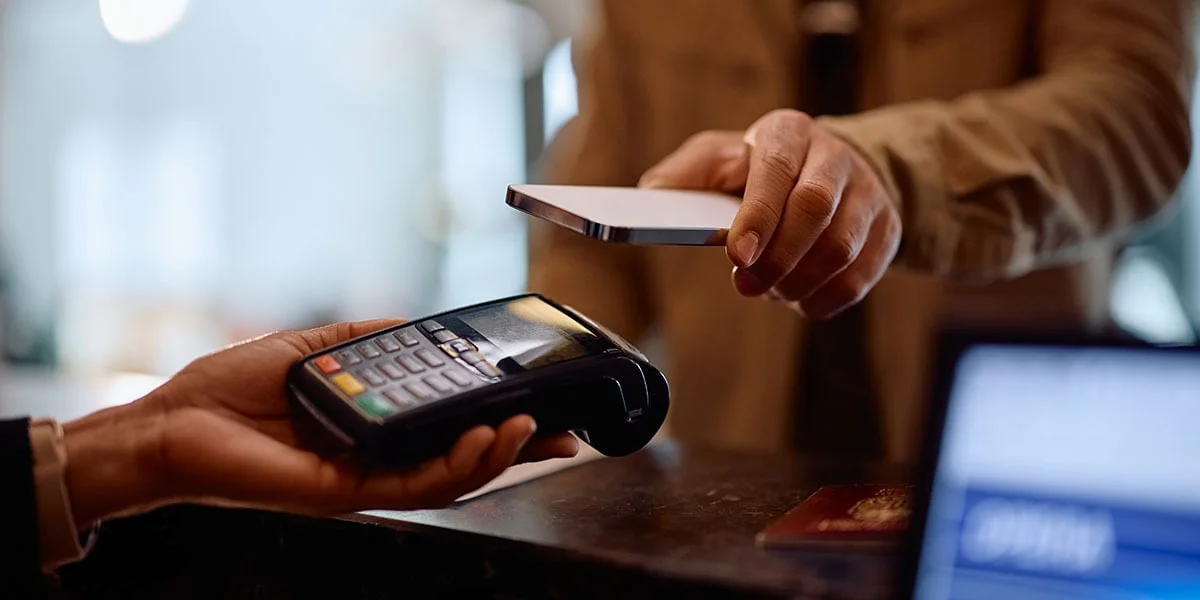
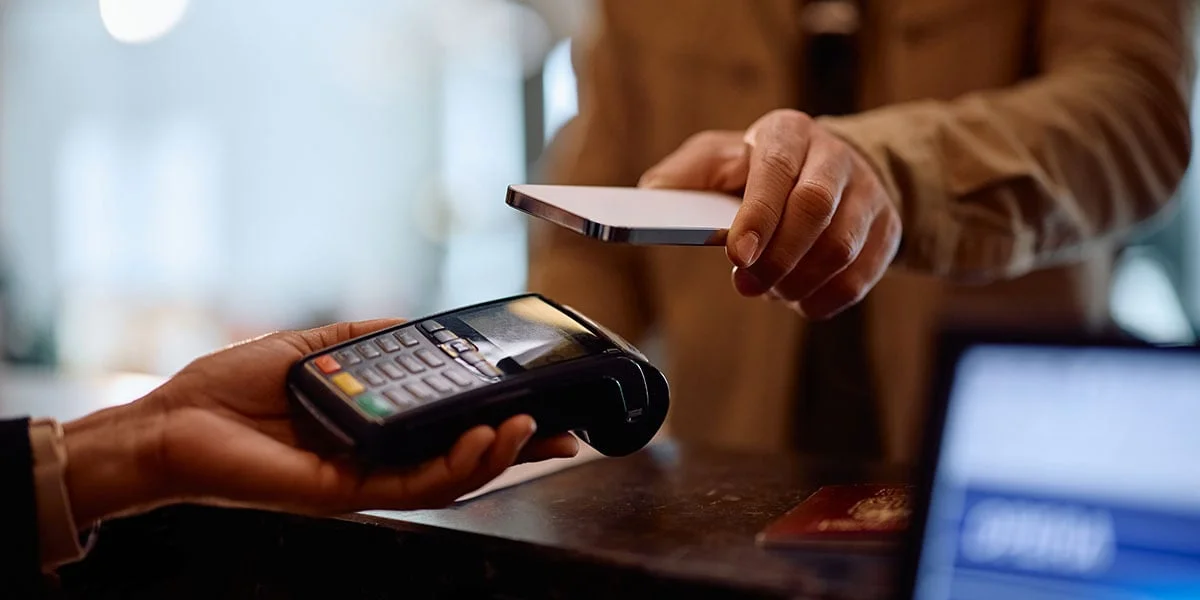
Pay with a digital wallet when you can. This is one of those places where the convenient option is also the safer one. When you pay with a card stored in your phone's wallet, the merchant receives a stand-in number along with a one-time code for that purchase, not your real card number. If the merchant's systems are breached, your actual card number isn't sitting in them. You also don't need to carry a physical card that could be lost or copied. Per PayPal's explanation of tap to pay, the design is what makes it safer than handing over a physical card.
Lock your devices whenever you step away, and keep software current. Outdated software leaves known weak spots open. Turn on automatic updates if your devices allow it, or install updates as soon as they arrive.
Be careful about where you do sensitive work. Public Wi-Fi is convenient, but avoid banking, shopping with stored cards or submitting credit applications on a coffee shop network. Wait until you're on a network you control, or use your mobile connection for those tasks.
Where the Routine Stops
Even a disciplined routine won't catch everything. Some attacks will get through, and that's not a personal failure. The realistic goal is to stay watchful and put protections in place wherever they're practical, so that when something slips through, you find it sooner and have less damage to clean up.
Protecting your identity is part of protecting your financial security. That's why it works best when it sits inside the financial planning routine you already have, alongside bill reviews and budget check-ins, rather than as a separate chore you do once and forget. My read is that a 15-minute monthly review, a quick weekly scan and a few daily reflexes will do more than an occasional deep clean. Start with the monthly inventory this week, and let the rest build from there.