Interactive Brokers Account Opening: A Step-by-Step Guide to Key Choices
Family & Life Money Team Bankeronwheels 394 reads
A practical walkthrough of IBKR’s application, from residence and account type to tax forms, identity checks, security, funding and fees.
Opening an Interactive Brokers account involves more than entering personal details. The choices you make during the application can affect which IBKR company holds your account, what you can trade, how you access your money and how some dividends are taxed. Take time to check each answer before signing, especially your country of residence, account type, trading permissions and tax residency.
This guide follows the application from the first login through account security and funding. Some options vary by where you live, and the available account types and documents can differ by country. Treat tax and inheritance points as general information; check how they apply to your circumstances with a qualified adviser.
Start with your country of residence
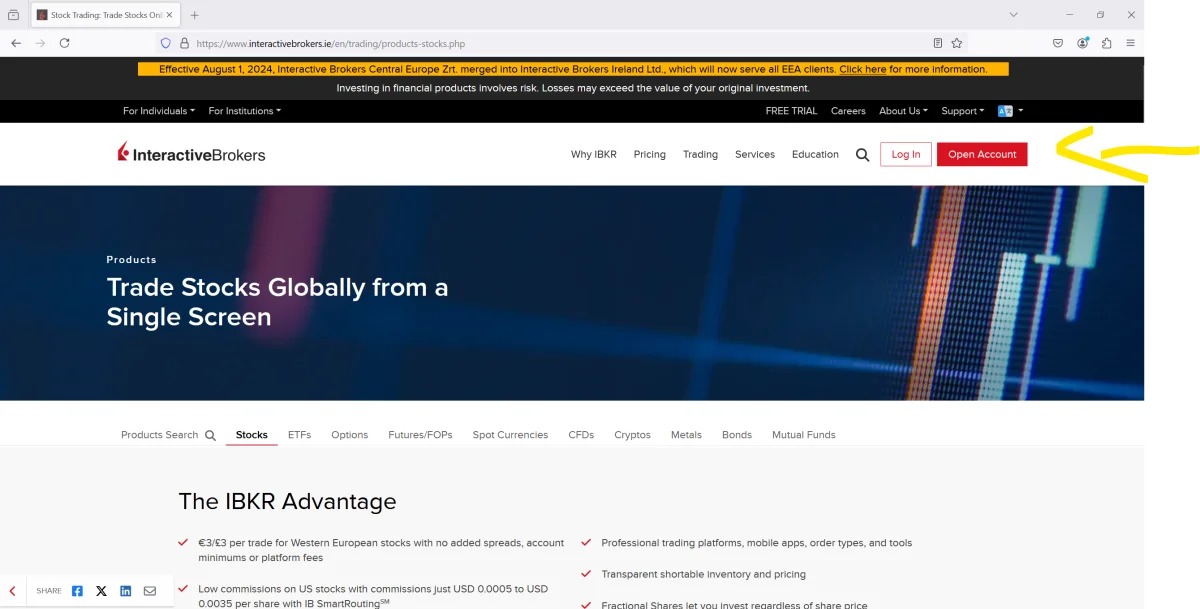
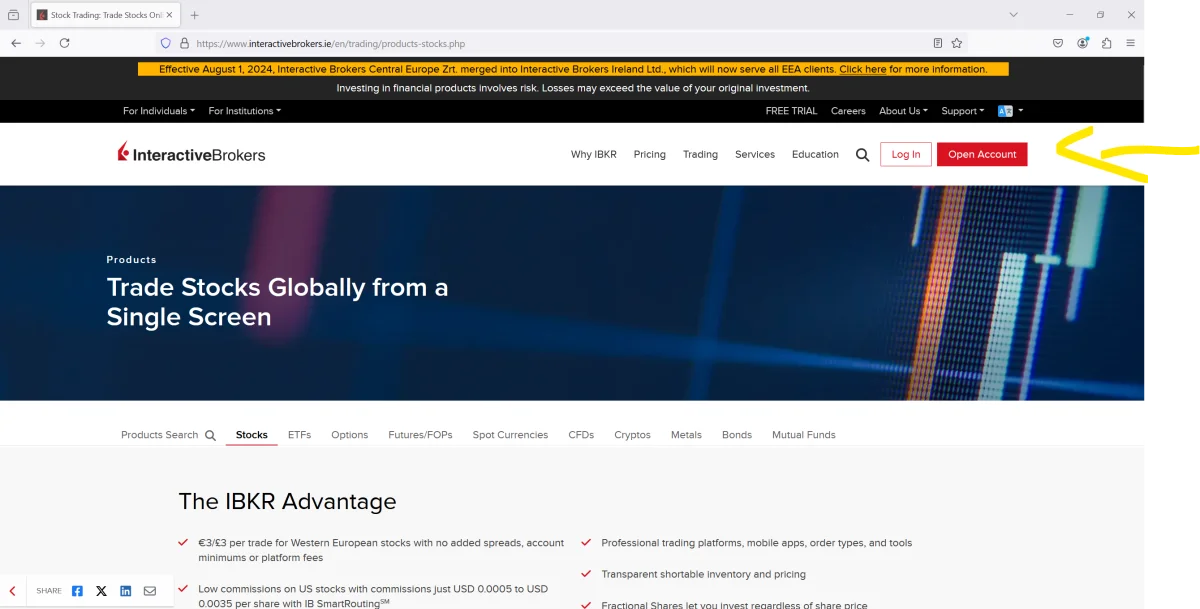
Go to the IBKR site and choose Open Account. The web address you land on may depend on your location, but that alone does not determine which IBKR company will hold your account. The country you enter as your main residence during account creation is the key detail described in the application process.
For example, the guide identifies Interactive Brokers Ireland for residents of EU and EEA countries, Interactive Brokers (U.K.) for UK residents, and Interactive Brokers Singapore for Singapore residents. The country field means where you mainly live, not your citizenship. If you live in one country and hold citizenship in another, enter those details separately when asked.
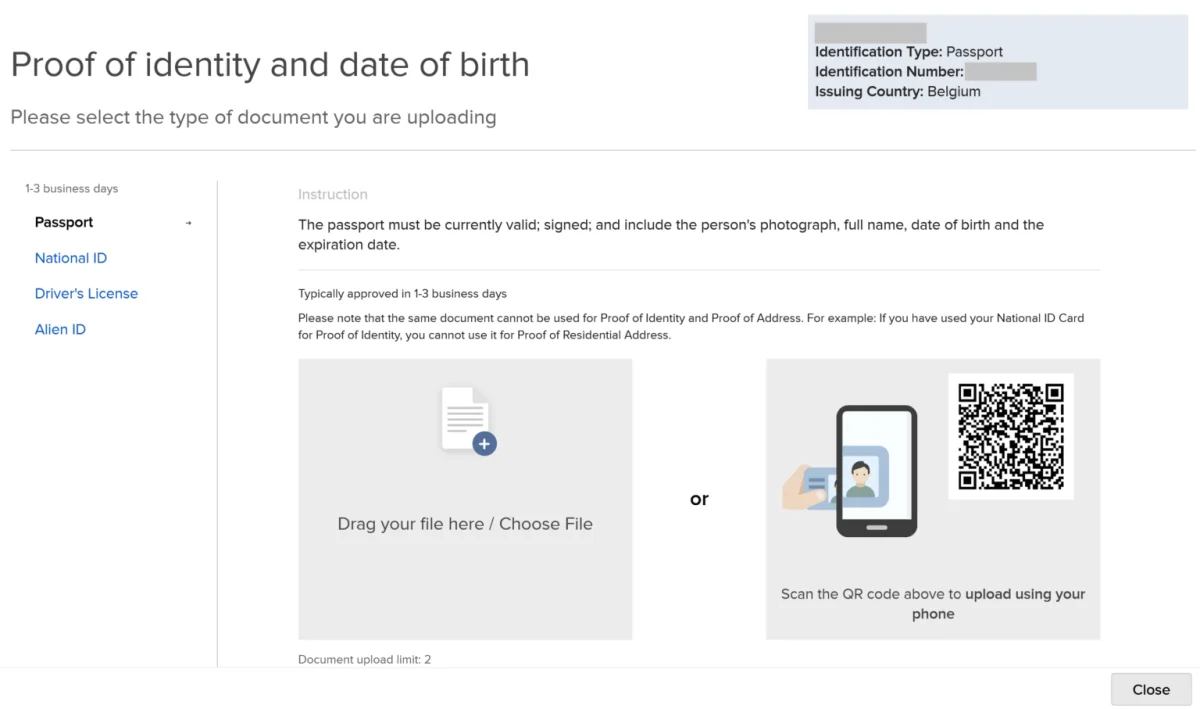
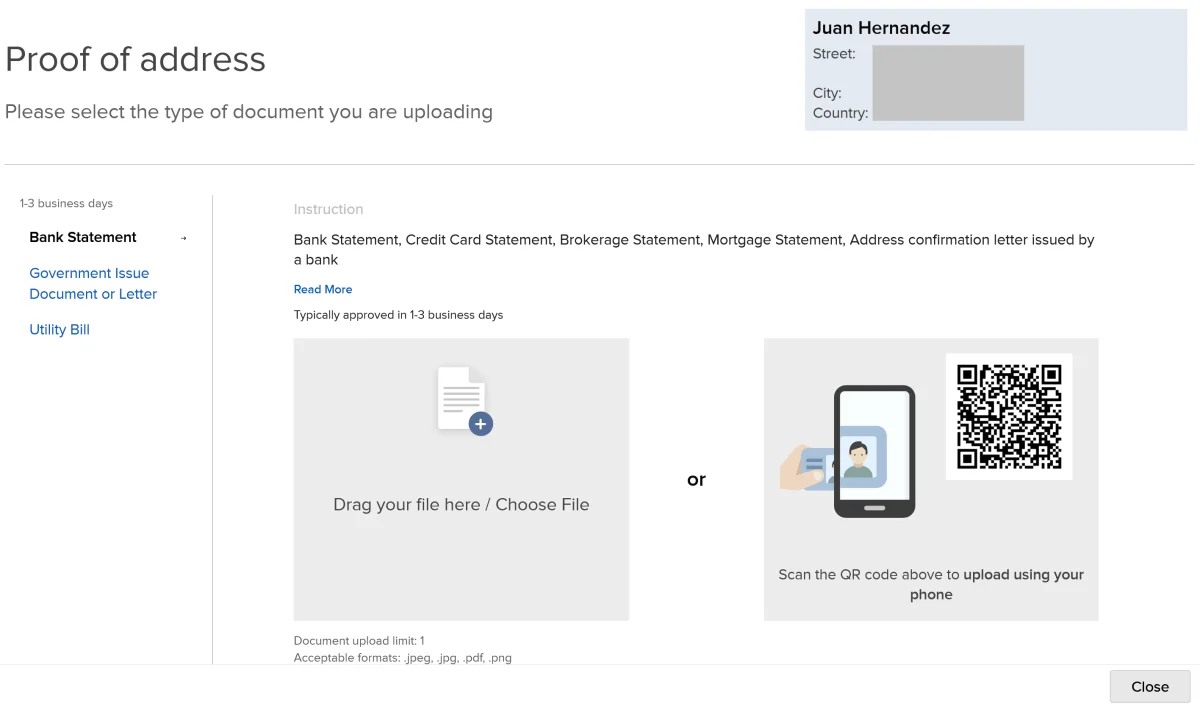
Before starting, use the site’s “What you need” section to check which information and documents you’ll need. Expect to provide proof of identity and proof of address. A bank statement showing your name and current address can work well for the address check, provided it meets the application’s requirements.
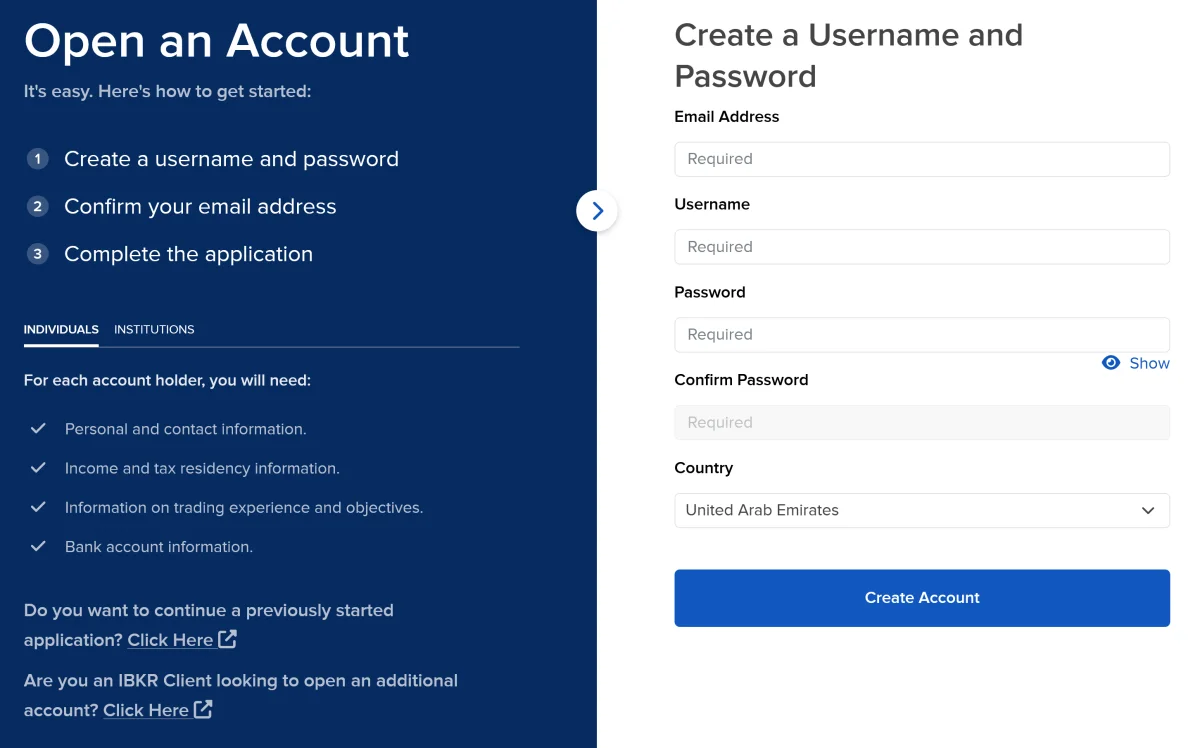
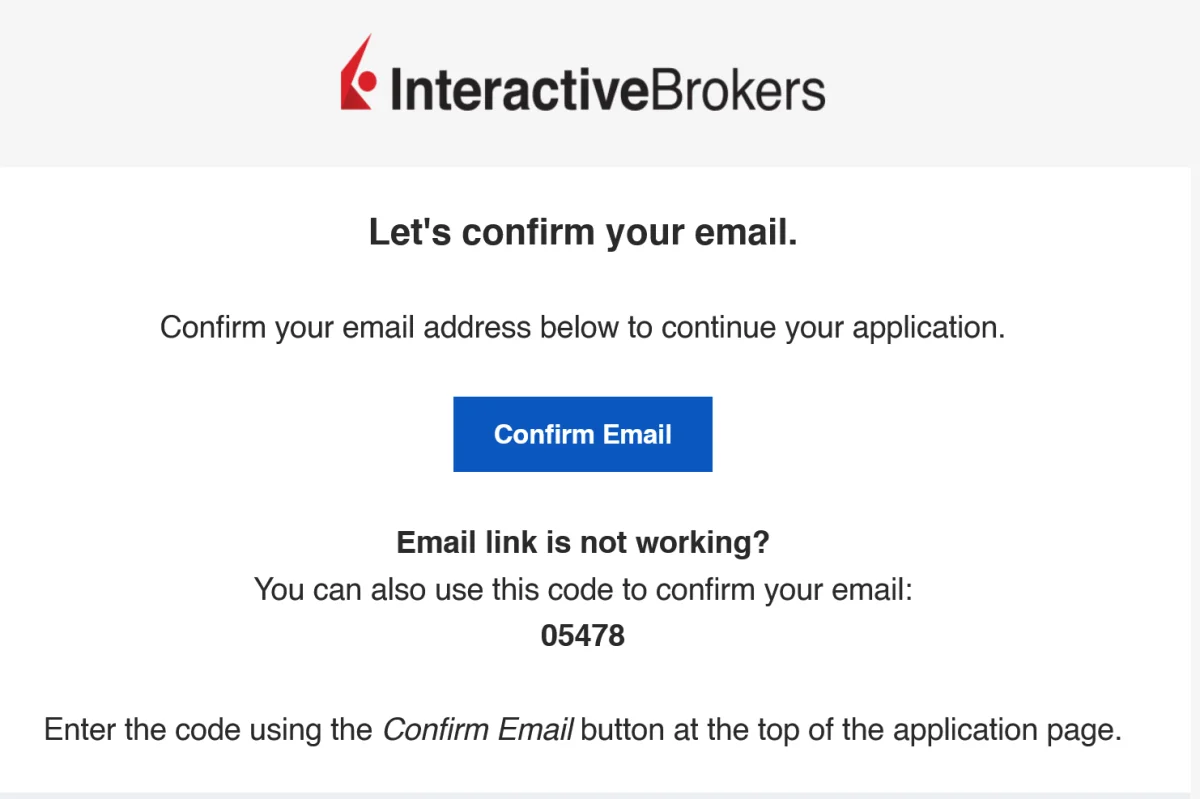
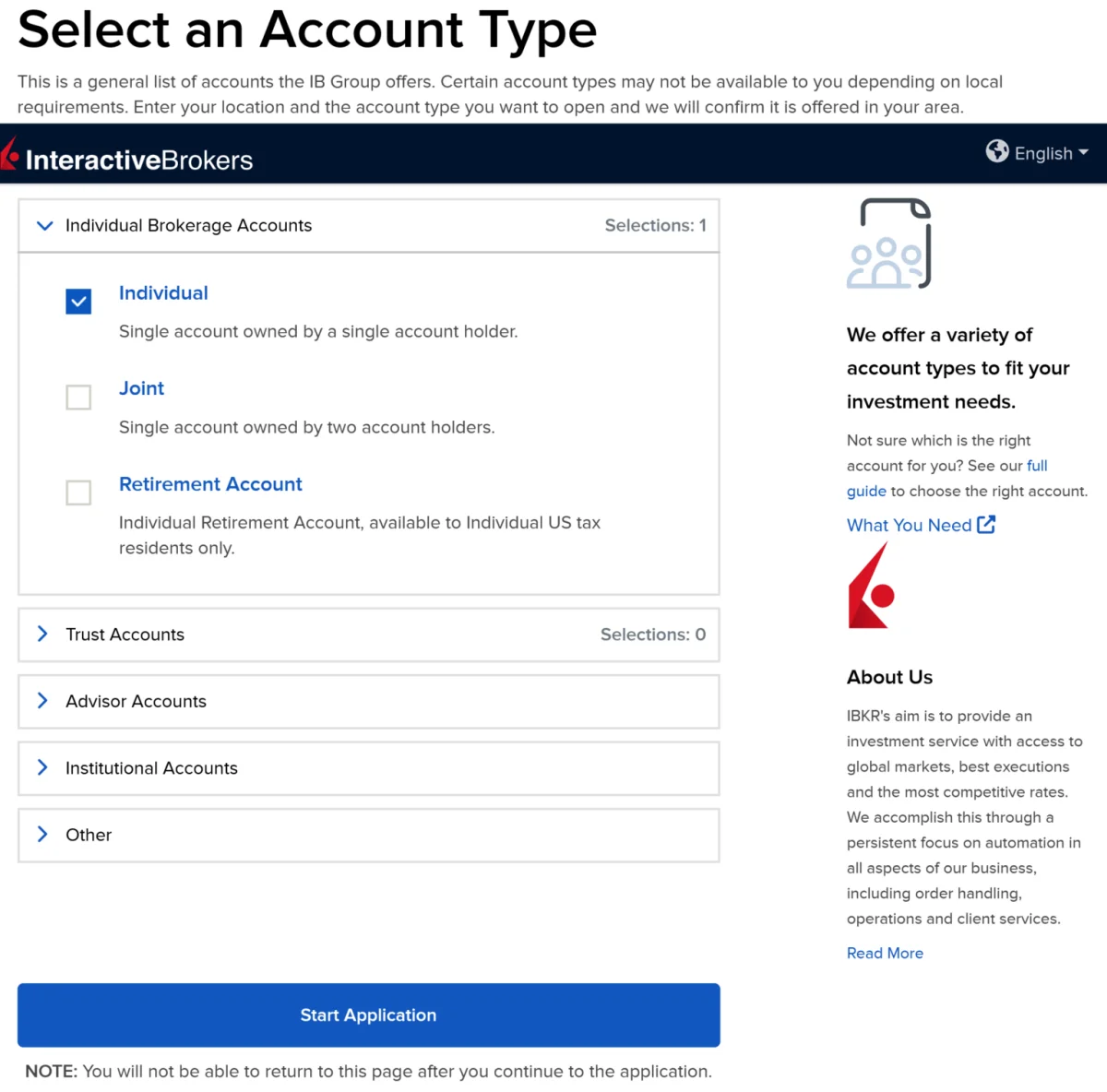
When you’re ready, select Start Application. Enter an email address, username and password, then confirm the verification message sent to your inbox. Keep access to that email account while the application is in progress: IBKR may use it to communicate about the application or ask for more information.

Choose individual or joint ownership carefully
The application offers account types that may include individual and joint accounts, although the choices available depend on your location. This guide uses an individual account. A joint account can sound like a simple way to give a partner or family member access to investments if one account holder dies, but the consequences depend on the account terms and the laws where you live.
IBKR describes a joint account with rights of survivorship as one where two or more people have equal interests and the remaining account holder or holders receive the account when someone dies. The arrangement may avoid court probate for the account, but it can carry tax consequences. That description does not settle how the account will be treated under the rules in your country.
There are several practical issues to weigh:
- Equal ownership: the account may be treated as belonging equally to its holders, regardless of how much each person contributed. That can become a source of conflict if contributions differ.
- Access: each holder may be able to act on the entire account, including making withdrawals, without the other holder’s agreement.
- Possible delays: local inheritance procedures may affect access to a joint account after a death. A joint title does not necessarily mean funds will be available immediately.
- Inheritance rules: some countries restrict arrangements that bypass rules about who inherits property.
- Tax treatment: a surviving account holder could face tax consequences. The guide gives the example of a sole contributor potentially being treated as having inherited half of the account if the other holder dies first.
Before choosing joint ownership, check how it is treated where you live and get independent tax or legal guidance. An individual account, a will and clear instructions for the people handling your estate may be more suitable for some households. Families may also consider how loved ones would cover day-to-day expenses while an estate is being settled. These are planning questions, not a reason to assume any one account structure will work for everyone.
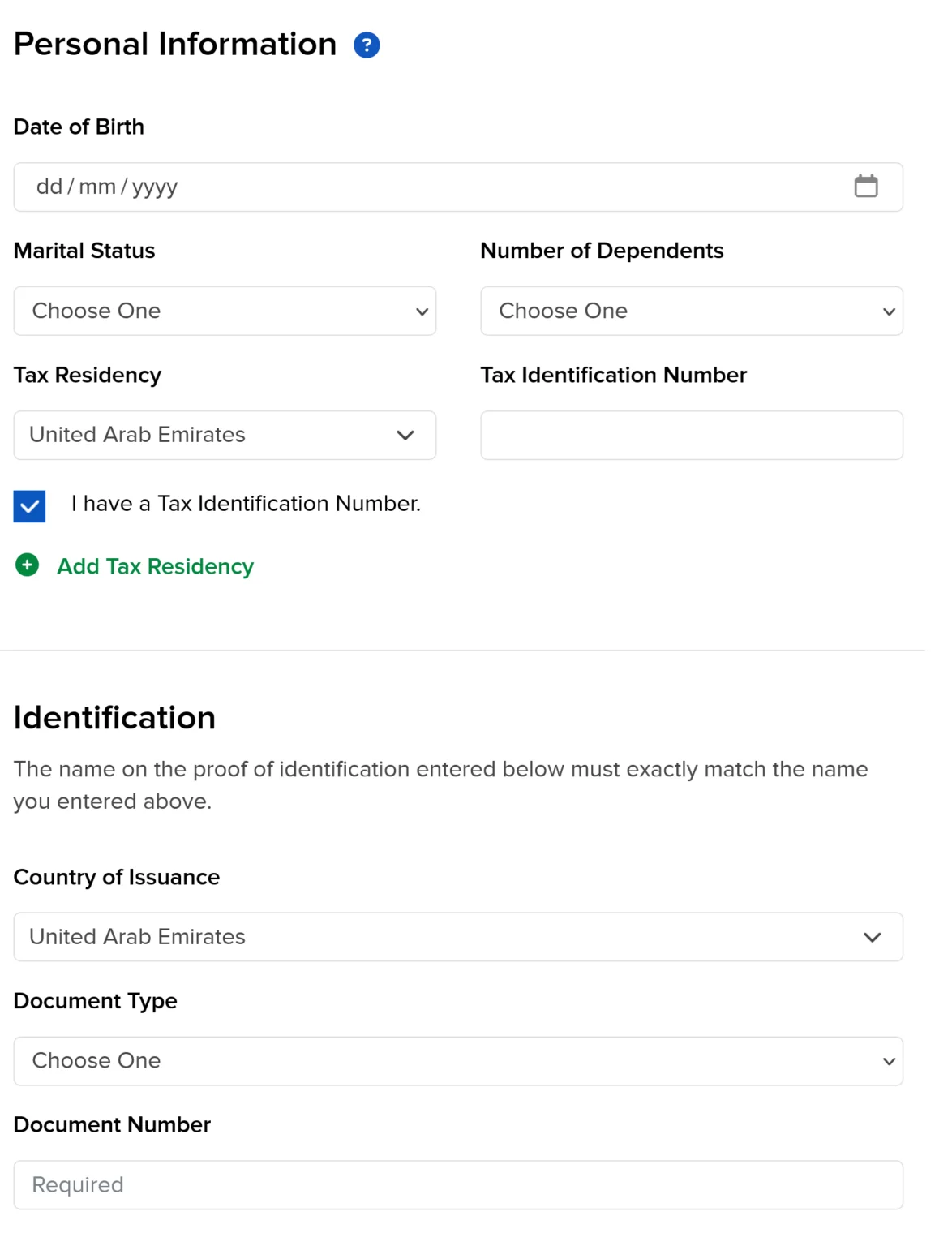
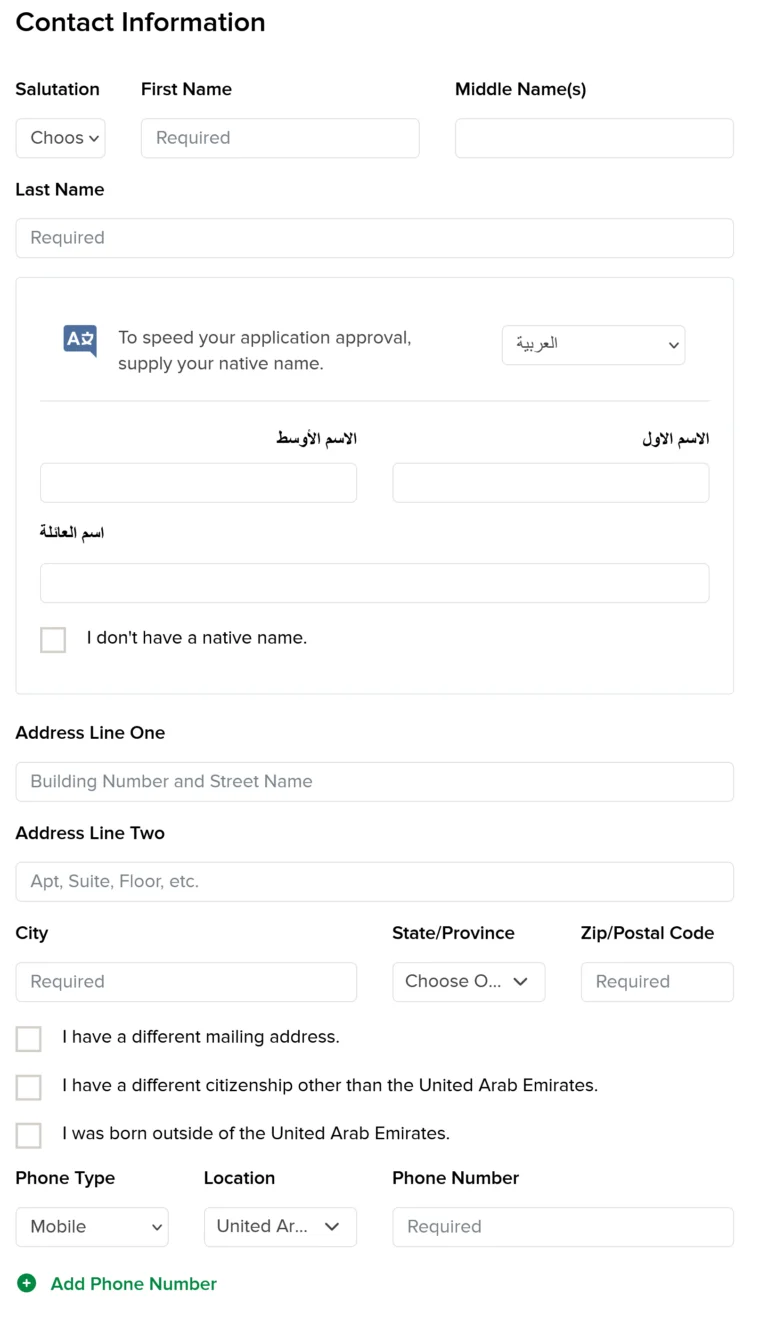
For an individual account, choose that option and continue. The application then asks for personal details, including your citizenship, country of birth and residence. If your citizenship differs from your residence, mark that where requested and provide each country accurately.
Enter personal, work and financial details accurately
Provide your taxpayer identification number if your country issues one. In some places, this number may be the same as your national identification number. If you are also considered a tax resident in another country, disclose that as well. Residence for tax purposes can differ from citizenship, so answer the application’s questions based on your situation rather than assuming the fields are interchangeable.
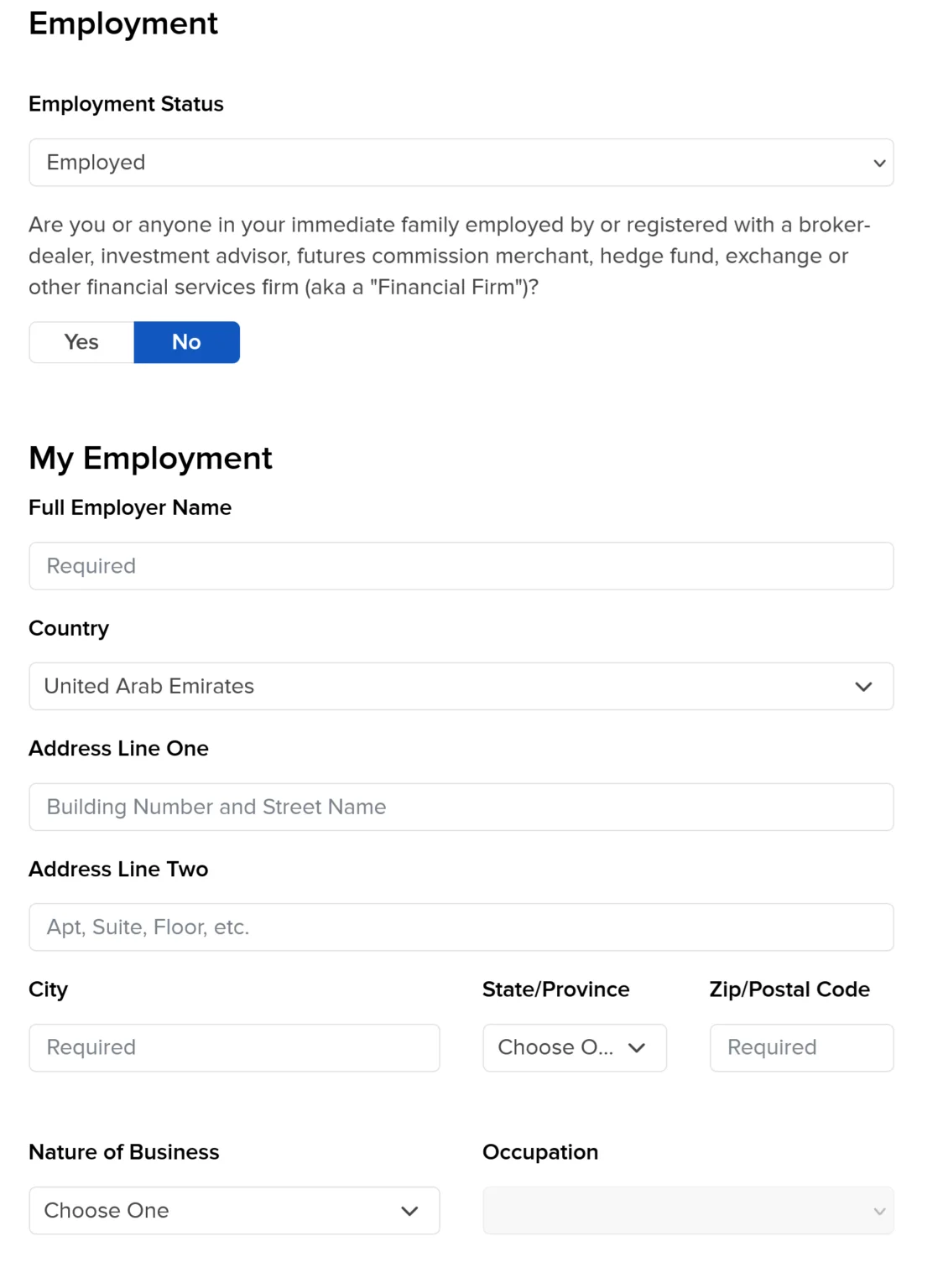
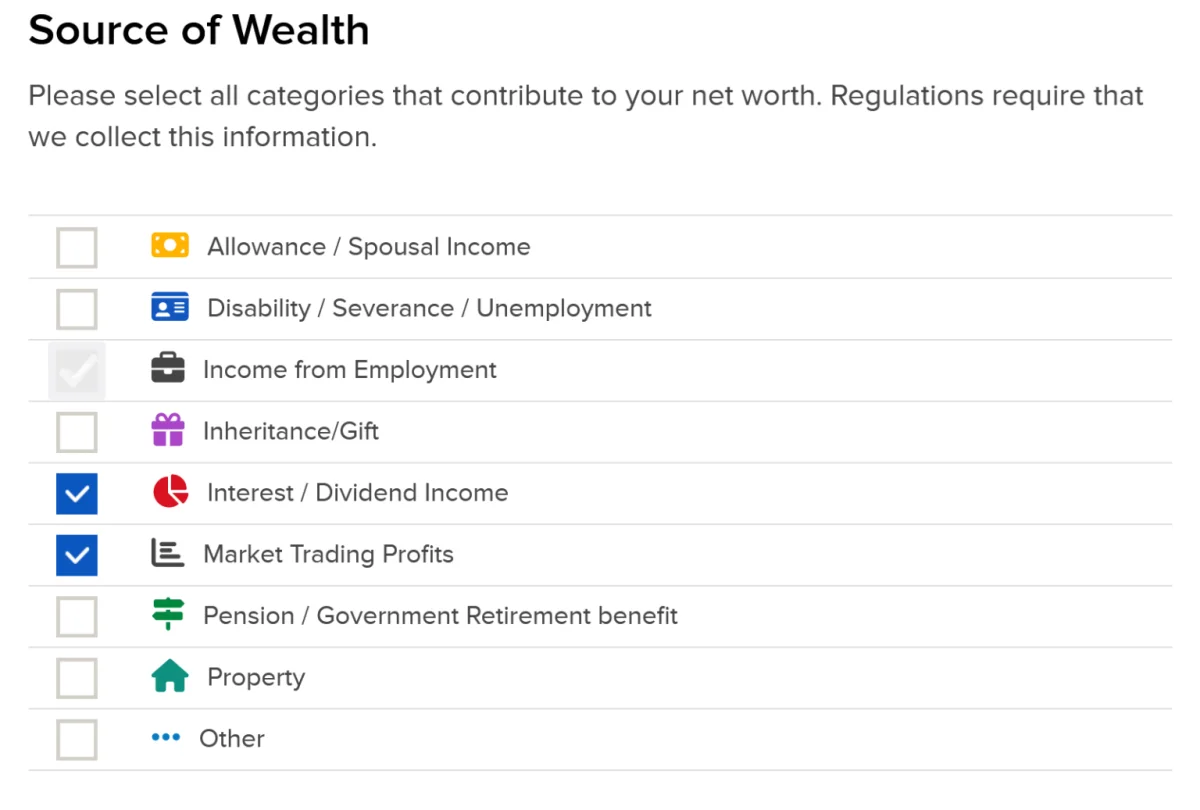
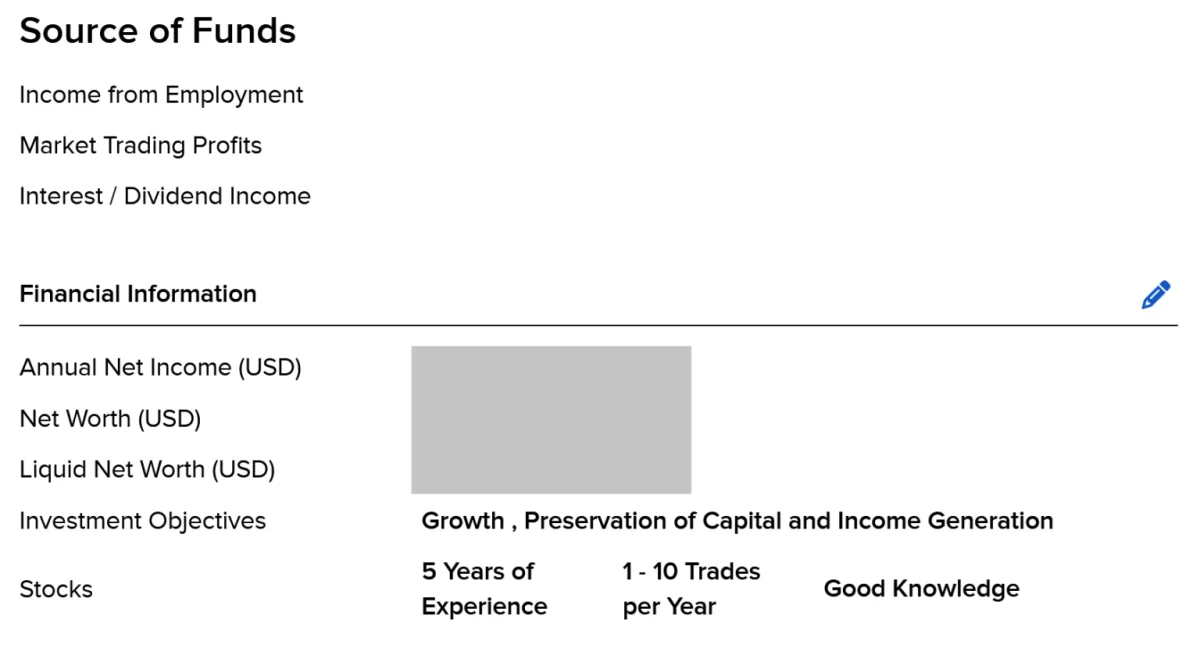
The form also asks about employment and sources of wealth. If you select “employed,” enter the requested employer details. You may be asked where your wealth came from, such as employment or other sources. Keep supporting records in case IBKR asks you to explain the information later. Depending on your circumstances, records might include payslips, an employment letter, inheritance paperwork or statements from a previous broker.
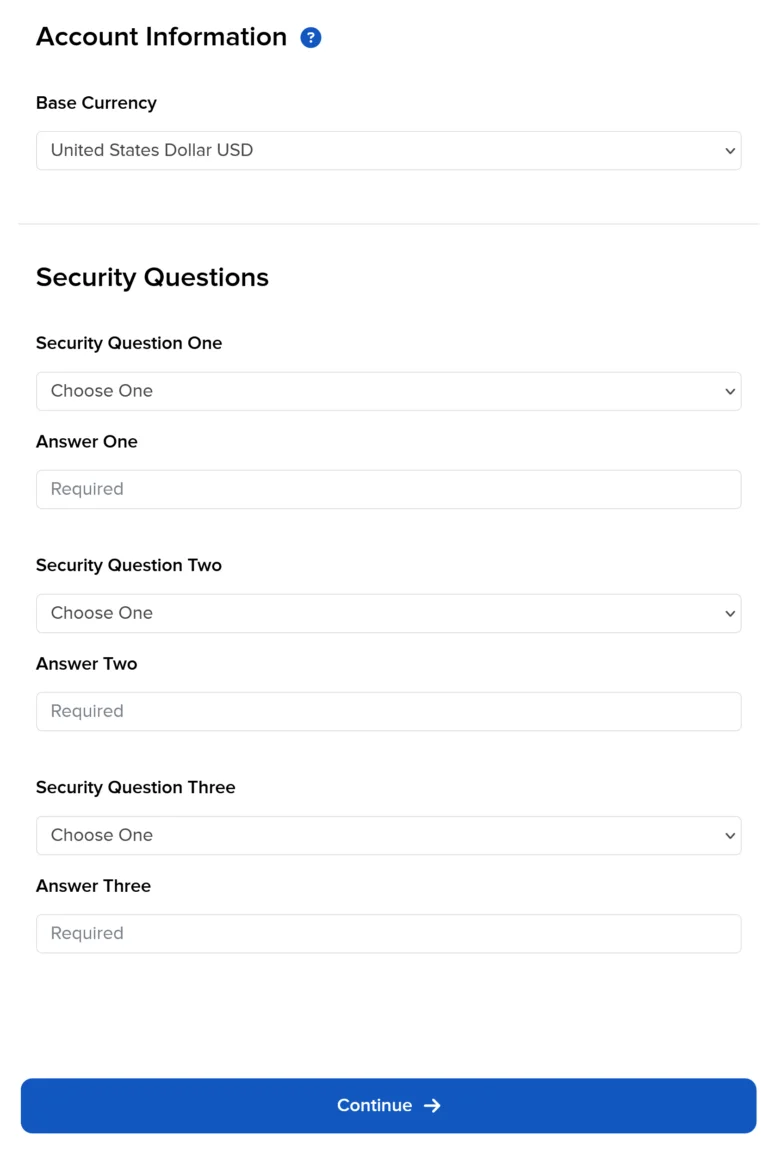
Next, select a base currency. This is the currency used for account-level reporting and accounting, and fees and commissions are charged from the base-currency cash balance. The guide lists these available currencies: AUD, CAD, CHF, CZK, DKK, EUR, GBP, HKD, HUF, JPY, MXN, NOK, NZD, SEK, SGD and USD. Accounts held with IBKR India can use INR only, while accounts held with IBKR Japan can use JPY only.
Many clients choose the currency they expect to use most often for deposits and spending. For a euro-area resident, that might be EUR; a UK resident might choose GBP. The base currency does not limit every trade to that currency. IBKR’s multi-currency feature allows clients to hold cash in other currencies, deposit or withdraw non-base currency, trade instruments denominated in other currencies and convert balances.
You can change the base currency after opening the account through Settings > Account Reporting > Base Currency. The change takes effect from the next trading day. Once the account is funded, the guide recommends keeping some cash in the base currency to cover fees or interest. A zero or very low balance can lead to warnings or, in some circumstances, a forced sale to cover an amount due. The guide suggests maintaining around $100 worth of base currency; that is a rule of thumb, not a stated account minimum.
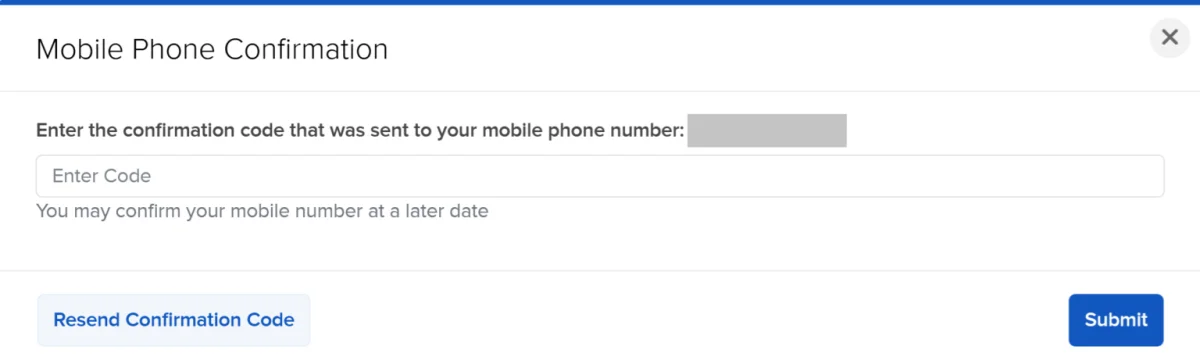
Set security questions for account recovery and confirm your phone number. Use answers you can remember and store safely. The phone number will also be useful when setting up stronger login security.
Understand cash and margin before selecting an account
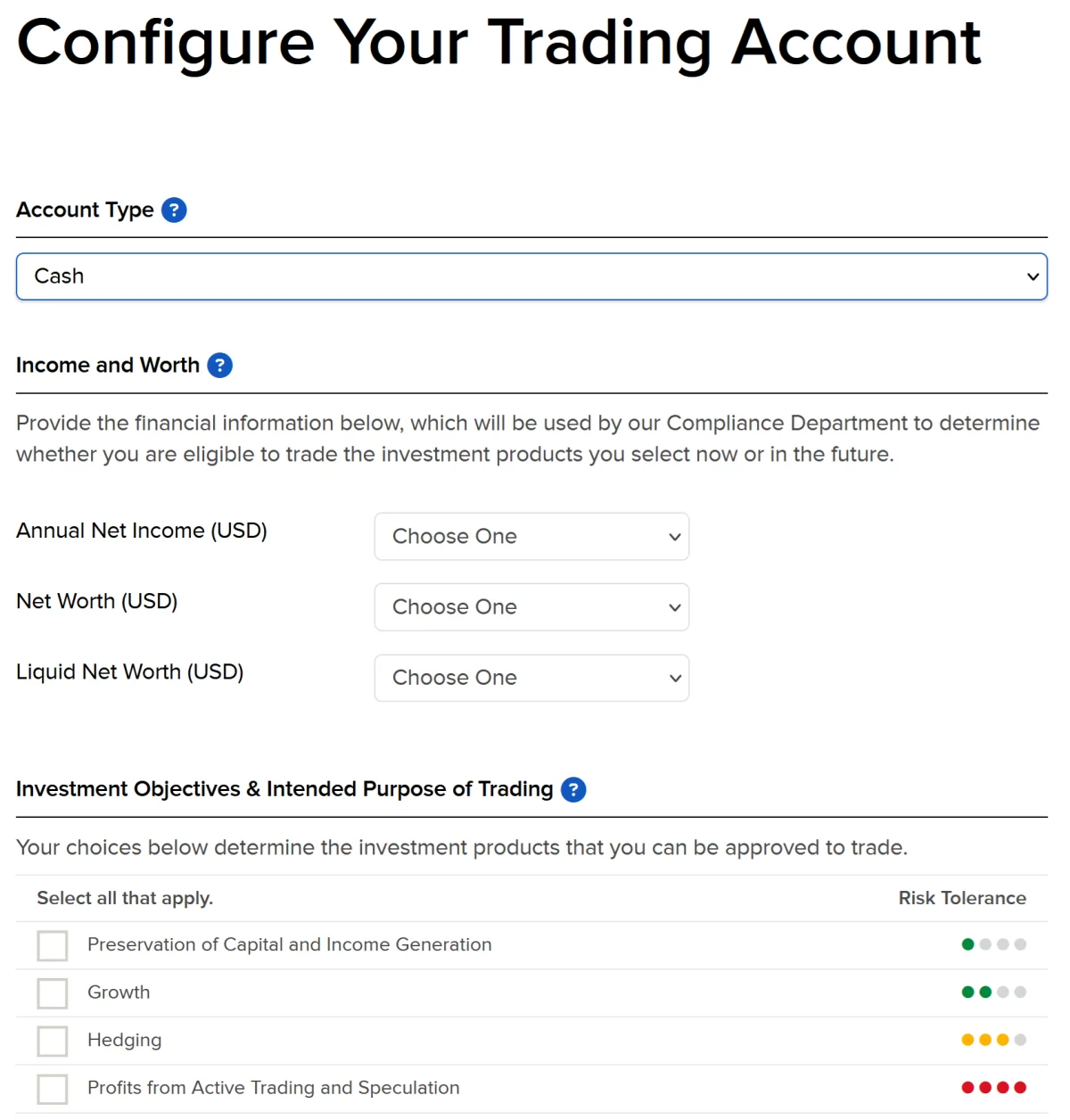
Account configuration asks about your finances, investment objectives, trading experience and the products you want permission to trade. Answer these questions truthfully and choose experience and trading frequency that fit your background. The answers help determine which permissions you can request.
A cash account limits purchases to the cash available in the account. A margin account can let you borrow from the broker for trades, using your holdings as collateral, and you pay interest on borrowed funds. Margin is required for some strategies, including short selling and certain derivatives, but borrowing adds costs and the risk of forced sales.
Margin account holders must meet requirements tied to the value and risk of their positions. If the account falls outside those requirements, IBKR may sell positions to reduce the borrowing and bring the account back within the required range. The amount available to borrow can change as the value of collateral changes.
Portfolio margin calculates requirements using a risk-based model, while a basic margin account calculates them position by position. Portfolio margin can produce less restrictive requirements, but that flexibility can also mean greater risk. Don’t choose a margin account just because it offers access to more trading activity. The potential losses and interest costs call for a clear understanding of how the account works.
Cash accounts have a timing limitation: sale proceeds generally cannot be reused until the trade settles. The guide states one business day for US shares and two business days for most European and UK listings. Deposits and currency conversions must also settle before the money is available. A margin account can allow trading with unsettled funds, but that flexibility comes with the risks and borrowing rules described above. For beginners, the guide recommends considering cash to reduce the chance of expensive mistakes. IBKR says the account type can be changed later in settings.
Request the permissions you expect to use
For exchange-traded funds, the guide says to select at least the first two investment objectives in the application. ETFs are treated as stocks for trading-permission purposes, so someone planning to trade only ETFs generally does not need to request additional product categories beyond stocks. If you intend to buy individual bonds or mutual funds, request the relevant permissions as well.
To trade European UCITS ETFs, add stock permissions for the European countries where the relevant listings trade. The guide names Germany, the Netherlands, France, Italy and Belgium as countries with euro listings, and the UK and Switzerland as markets where many ETFs trade in GBP or USD. You do not need to select every European country; choose the markets you expect to use.
Permissions and country selections can be updated later in account settings. A permission request is not a recommendation to trade a product. Select only what matches your plans and experience, and check the details of a particular listing before placing an order.
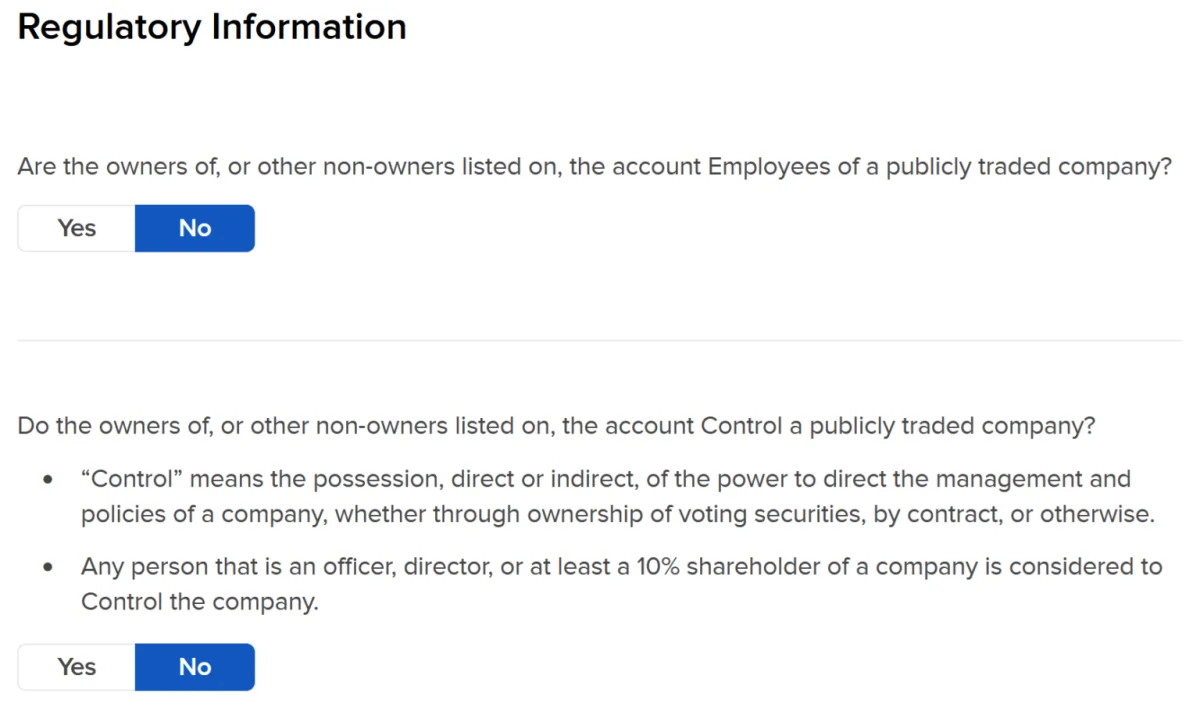
Answer the application’s regulatory questions truthfully. The questions form part of the account setup, so don’t guess or choose an answer simply to unlock a feature.

Decide whether to join the share lending program
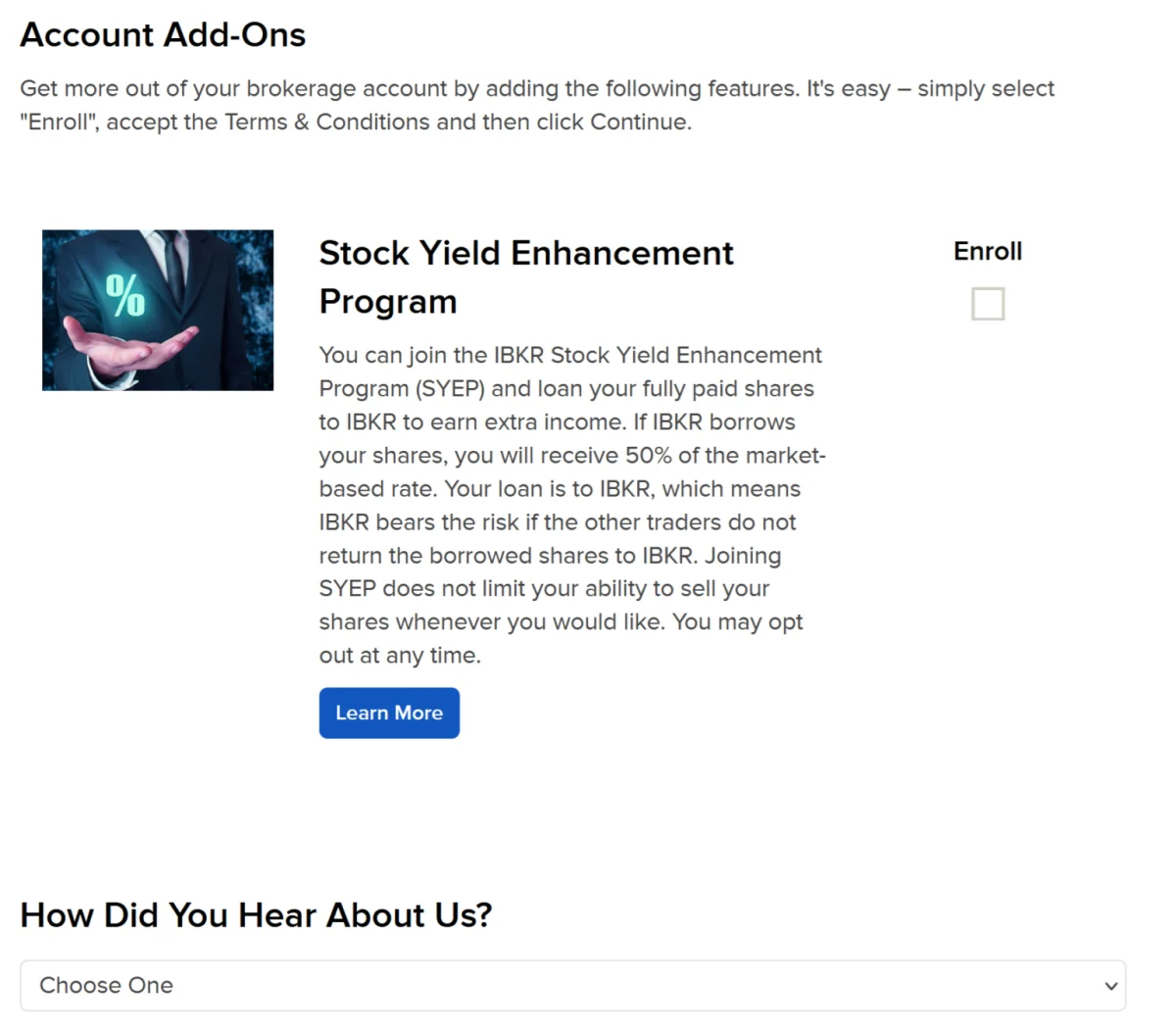
IBKR’s Stock Yield Enhancement Program lets the broker lend shares you own outright to borrowers who want to sell them short. Ownership transfers to IBKR while the shares are on loan, and IBKR is responsible for returning equivalent shares. The borrower pays interest to IBKR; IBKR pays you 50% of a market-based rate and keeps the rest.
In the program, IBKR is your counterparty. The guide says IBKR places cash collateral in your account worth at least the shares’ value at the prior close and adjusts the amount daily. You give up voting rights on shares while they are lent. Rates change, and IBKR does not promise to lend every share eligible for the program, so payments are uncertain.
Participation does not require you to hold a share for a minimum period. The lending operates in aggregate with other participating IBKR clients who hold the same position, and you can still sell your shares. If a lent share pays a dividend, you receive an equivalent payment in lieu. That payment may be taxed differently from the dividend itself, so consider the tax implications for your circumstances.
Eligibility depends on the account and its location. The guide says margin accounts can join, as can cash accounts with liquid net worth above USD 25,000, or USD 50,000 at IB UK. A cash account below the relevant threshold cannot use the program yet. You can change your participation choice in settings later. Review the terms and possible tax treatment before opting in.
Complete the tax form and review the agreements
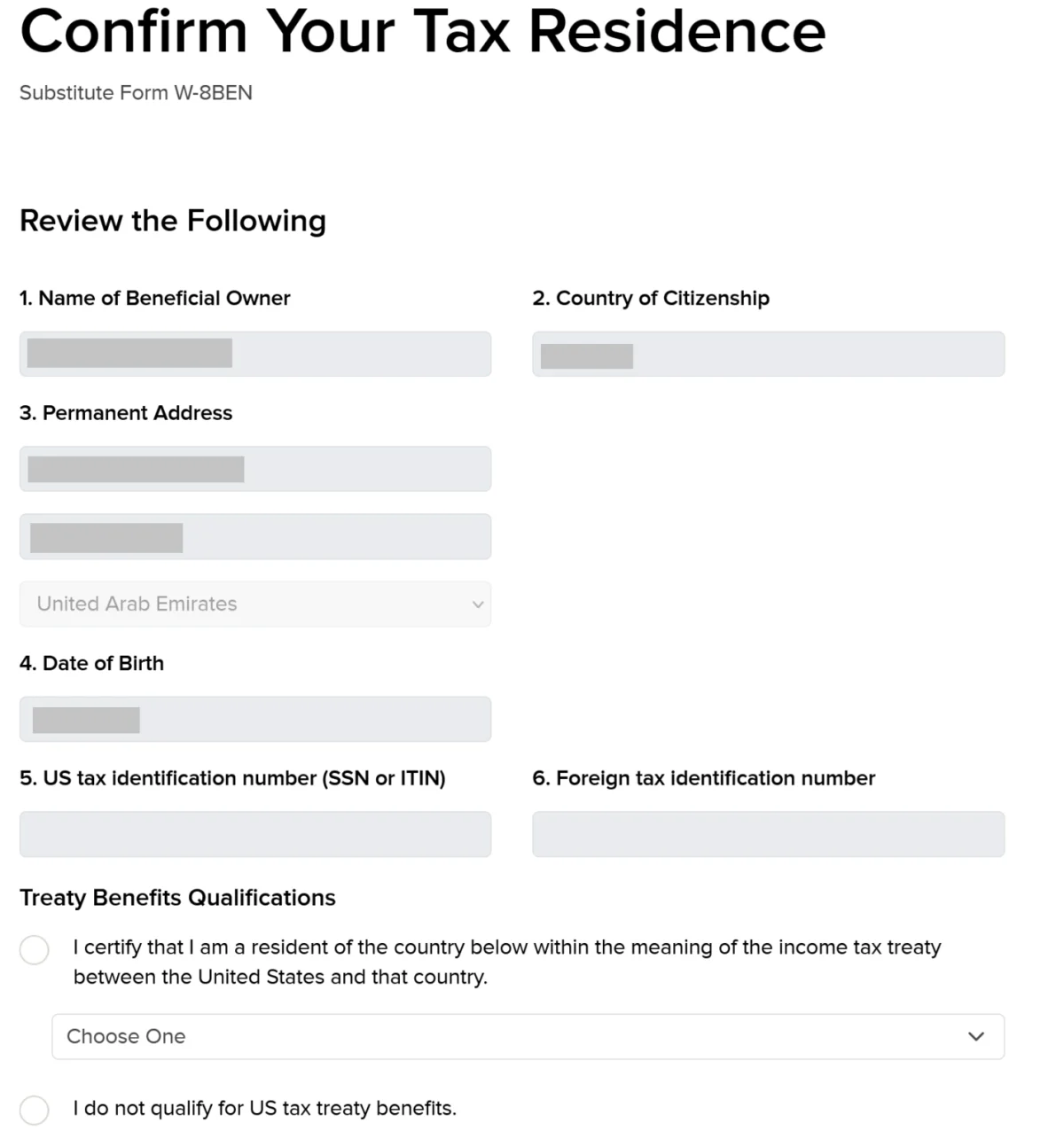
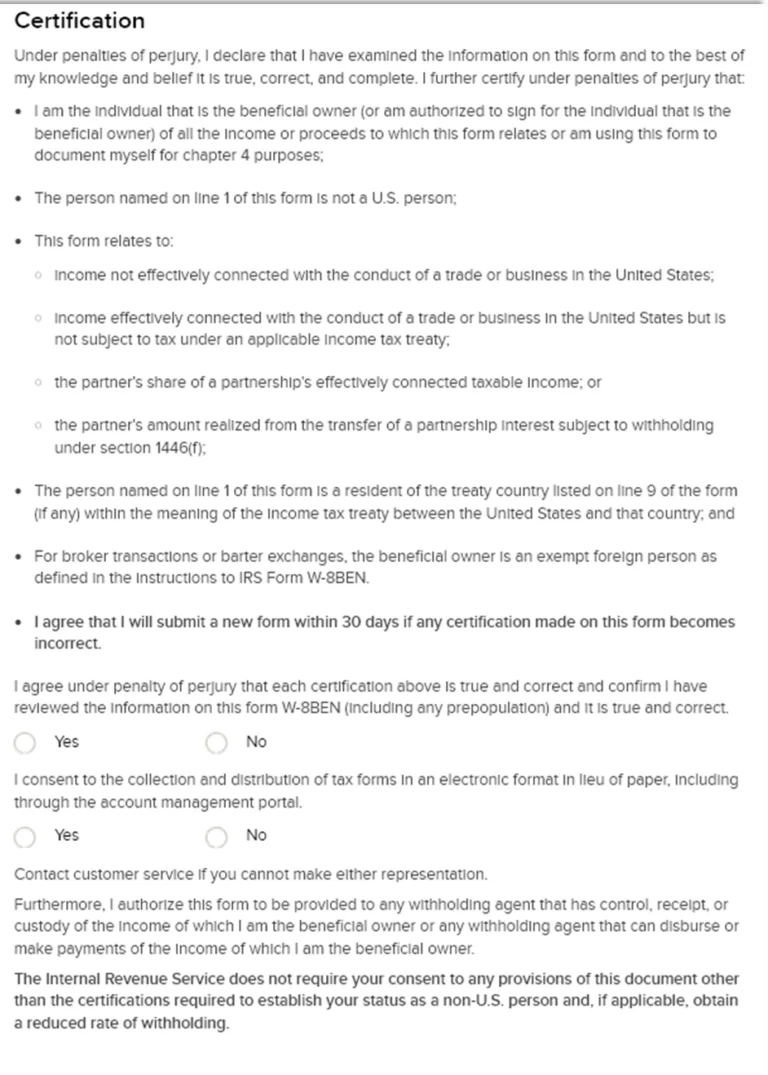
Applicants who are not US residents are asked to complete Form W-8BEN. It certifies that you are a non-resident alien for US tax purposes, meaning you are neither a US citizen nor a US resident, and it can be used to claim benefits under an income tax treaty between your main country of residence and the United States.
The guide states that without an applicable treaty, US tax on dividends from US companies and distributions from US-domiciled ETFs is 30%. Where a treaty applies, the rate is reduced to the treaty rate, typically 15% on dividends. Check the treaty rate and your own tax position rather than assuming the typical rate applies to every investor or payment.
If you do not have a US Social Security number or Individual Taxpayer Identification Number, the guide says to leave that field blank. If your country of residence is not listed as eligible for treaty benefits, select the option stating that you do not qualify. The form remains valid for the year it is signed plus three calendar years. IBKR will email you before expiry and ask you to renew it at login.
For investors who only hold Irish-domiciled UCITS ETFs, the guide says this form has little effect on US tax withheld inside the fund: it describes withholding at 15% for Irish funds under the US-Ireland treaty. The form matters for US shares and US-listed funds. Tax treatment can depend on the investment and your circumstances, so seek independent tax help if you’re unsure.
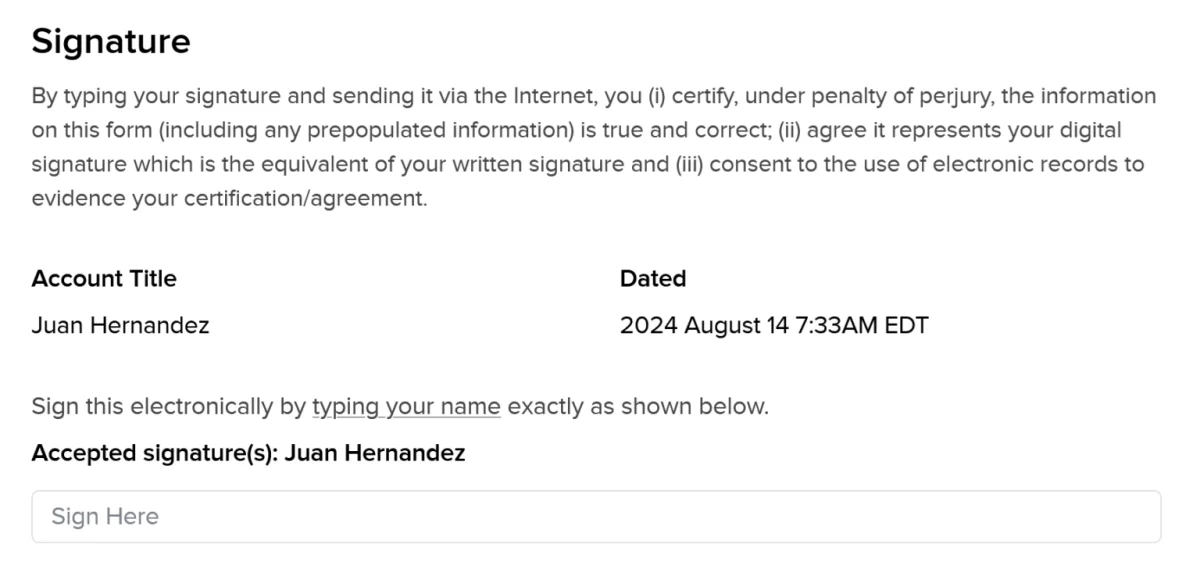
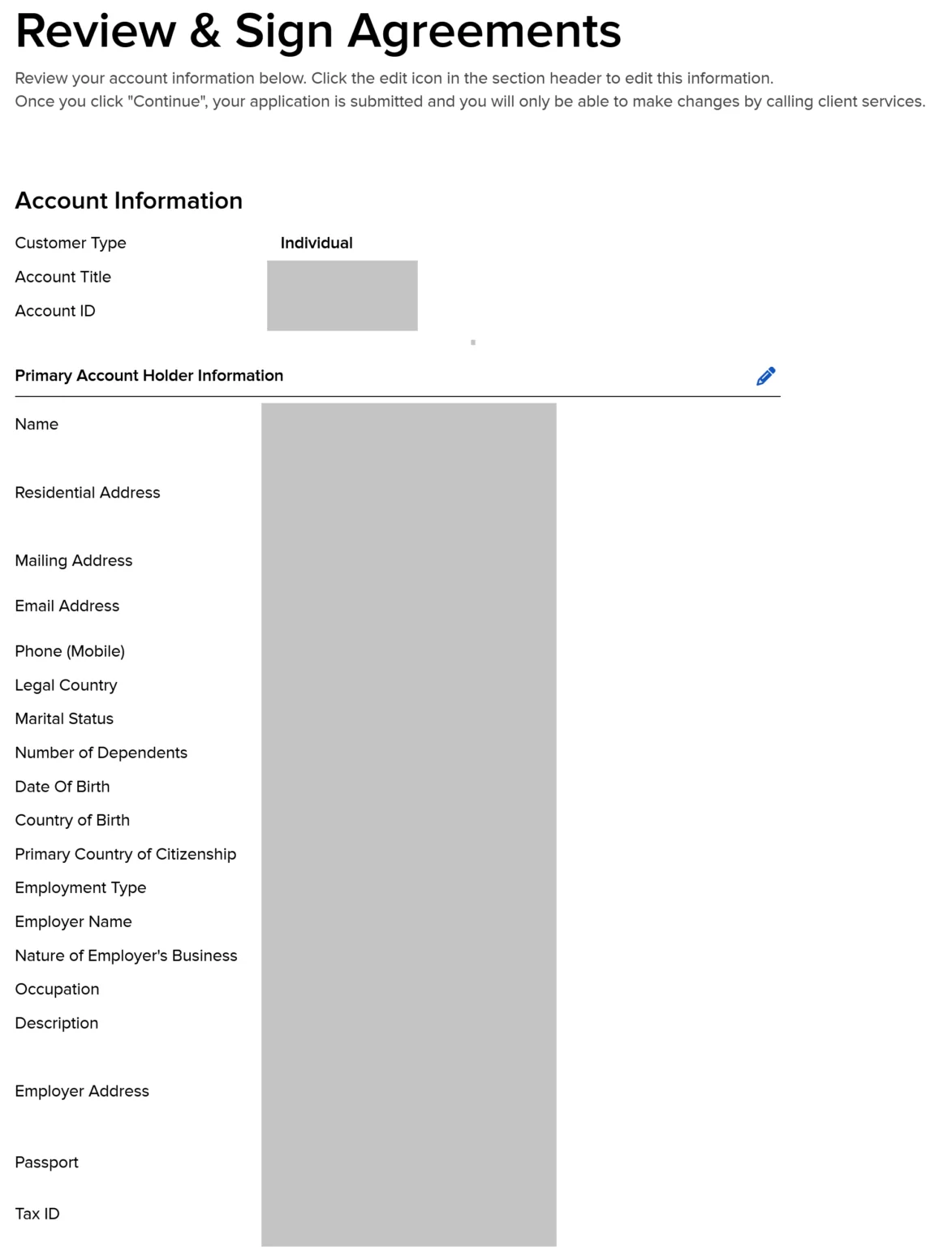
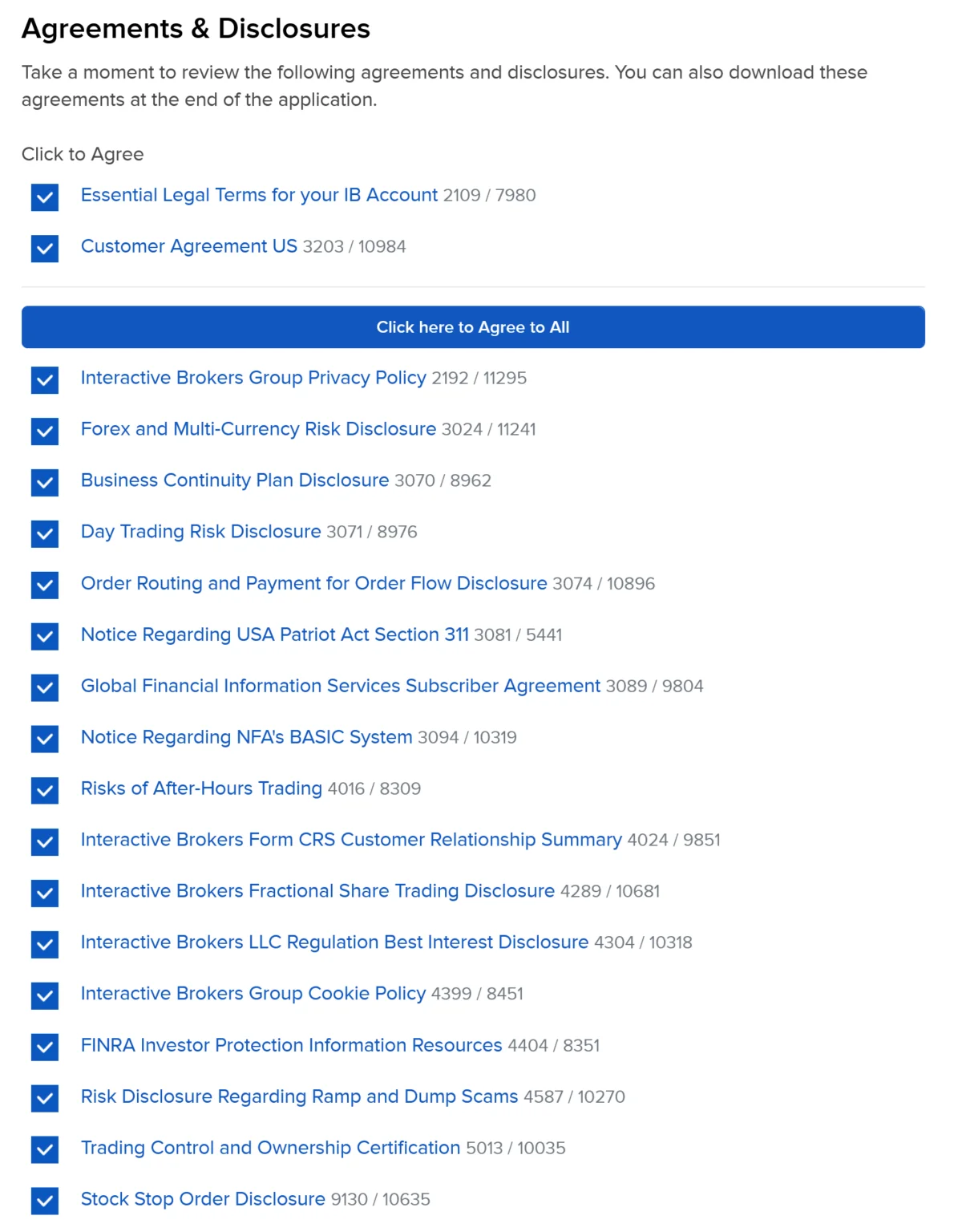
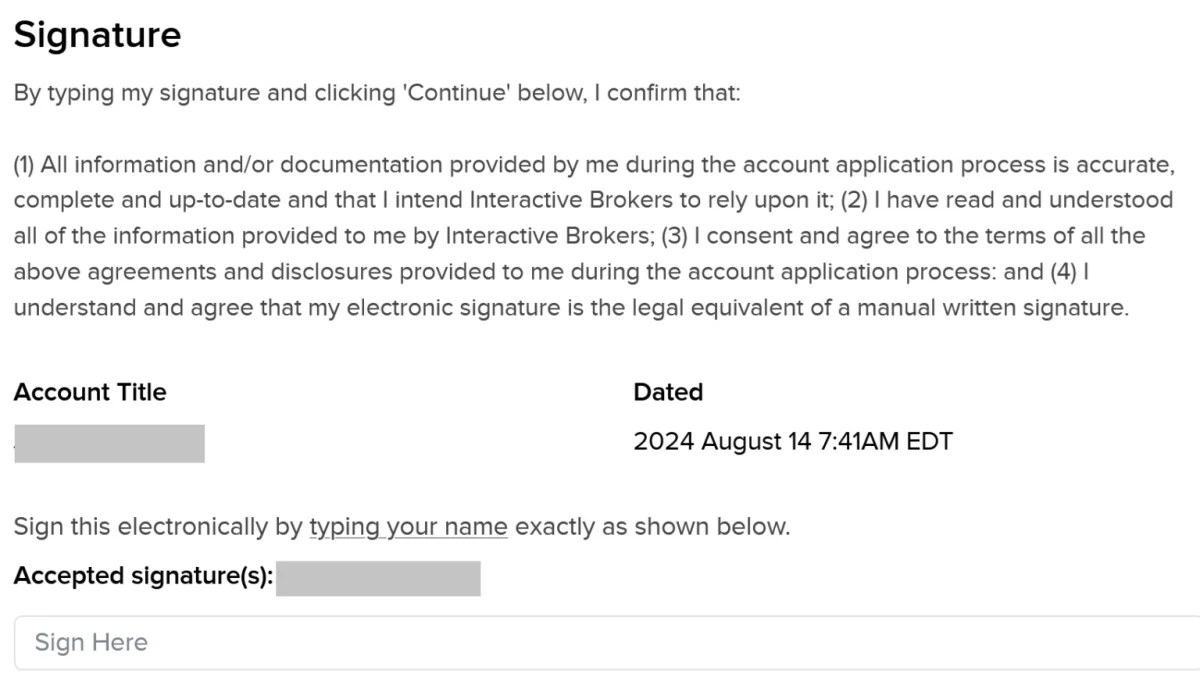
After completing the tax section, confirm your information, review it for errors and sign the application. Read the agreements and disclosures presented for your account’s IBKR company. The documents may differ by location; the guide notes that European residents see documents for IB Ireland or IB UK rather than the US entity’s set. If the application says more information is required, continue and follow the instructions.

Verify your identity and secure your login
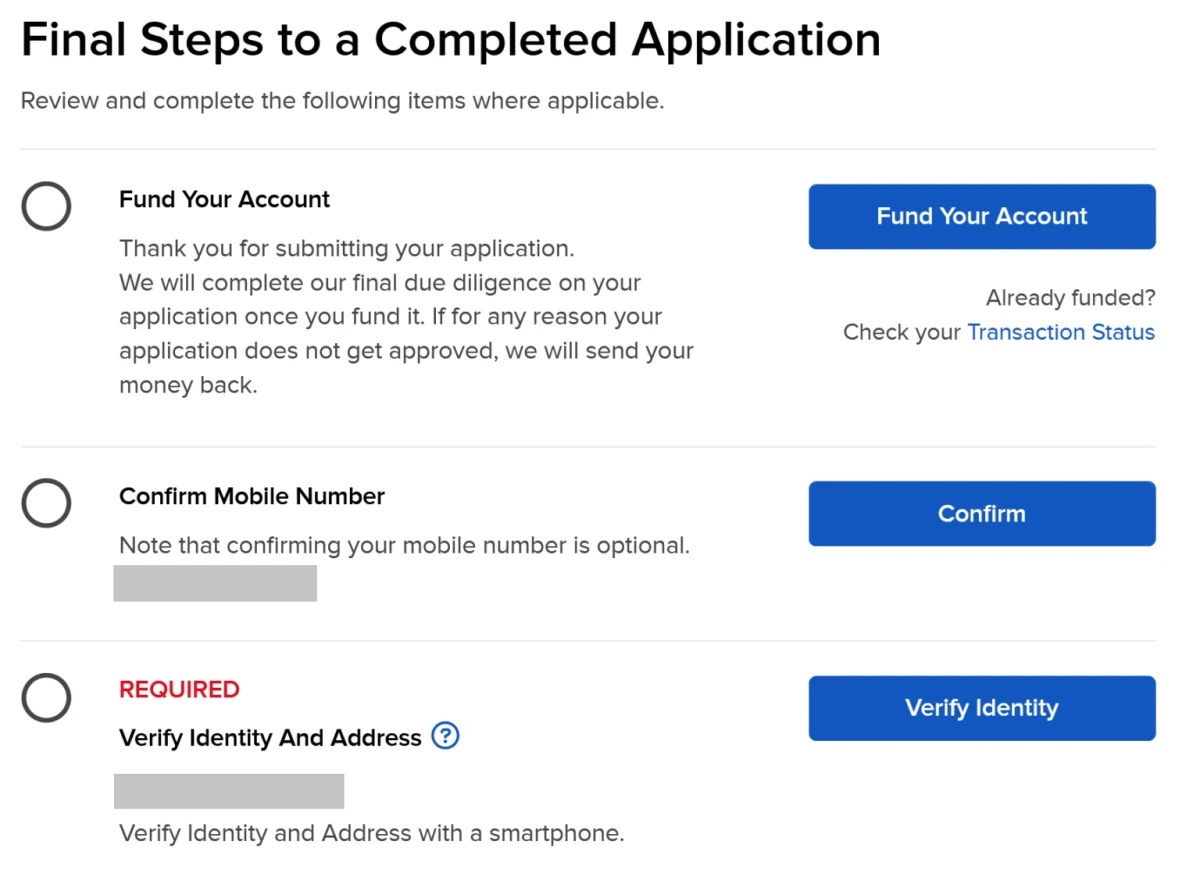
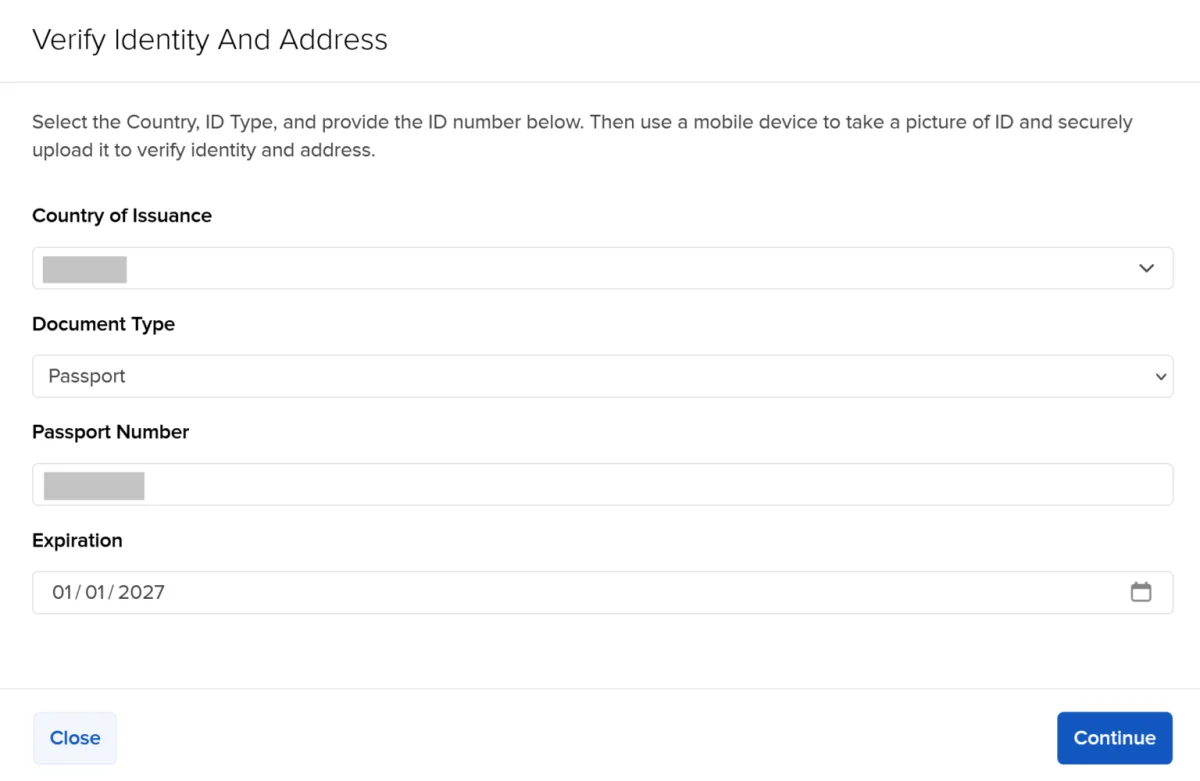
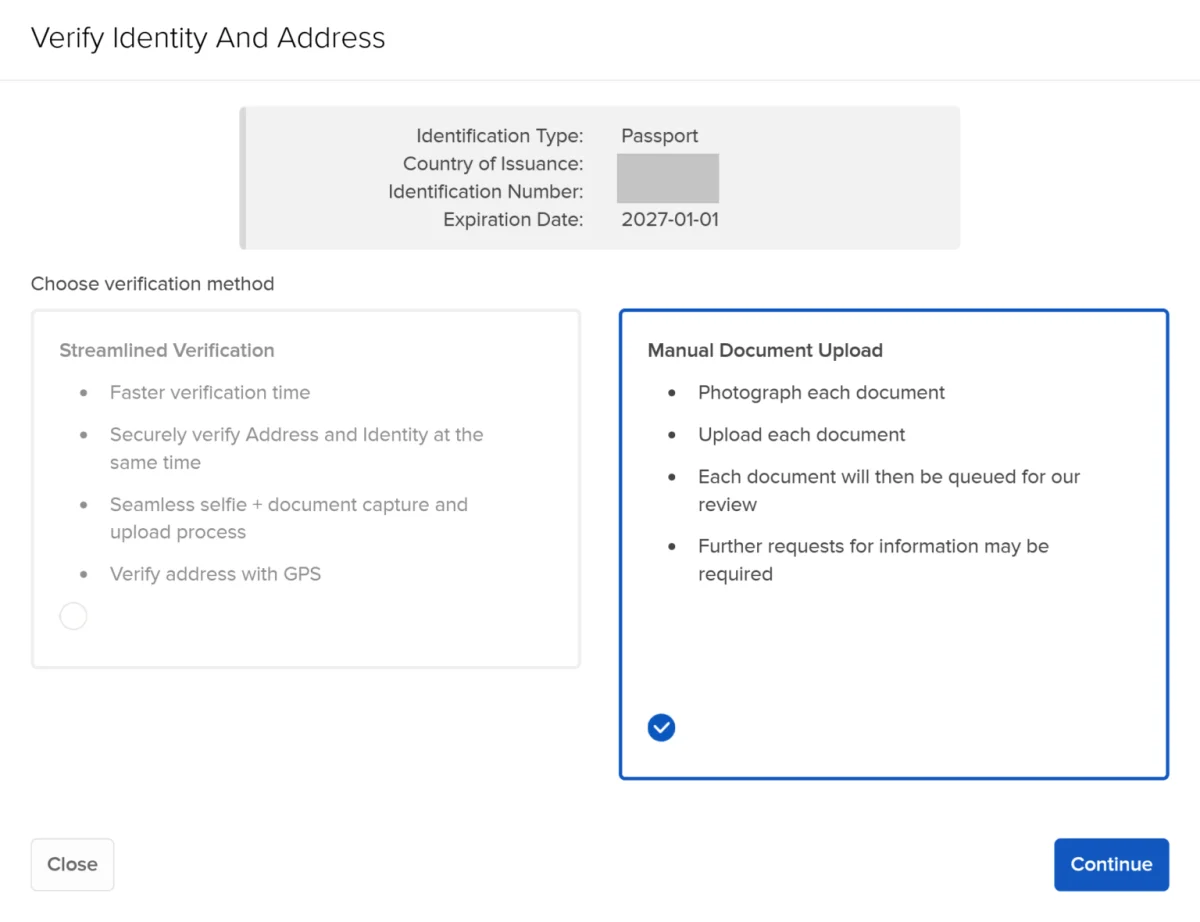
IBKR requires identity and address checks. The process may ask you to photograph documents and take a selfie holding them with a smartphone. You can choose a streamlined verification method where available; it may use your phone’s location service to help confirm your address. If it does not work in your location, use manual document upload.
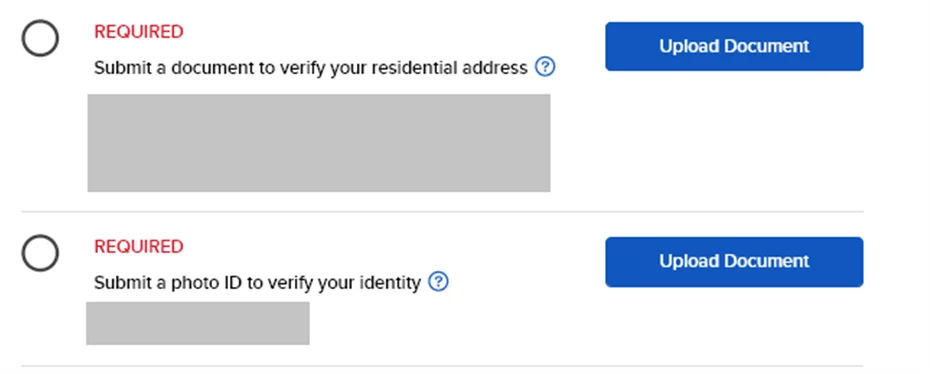
For identity, the guide lists a passport, national identity card or driver’s licence. For address, it lists a bank or brokerage statement, a signed and stamped bank letter confirming your address, certain residence or pension documents, a residence permit, or a driver’s licence or national identity card. An identity document cannot also serve as address proof in the same application. Address documents must show your name and address; the guide specifies that a bank statement should be less than six months old.
Check the application’s document list before uploading, since acceptable options can vary. The guide reports that scanned documents may be processed faster than phone photos. Make sure images are readable and that the details match the application. If IBKR requests further information, respond promptly; approval may take a day to a few days, depending on how complete the application and documents are. Sending additional documents later can restart the review.
You do not have to fund the account before approval. IBKR may allow a deposit during review and says this can help prioritise the application; if the account is not approved, the money is returned. You can also wait until approval. Trading is possible only after funds arrive.
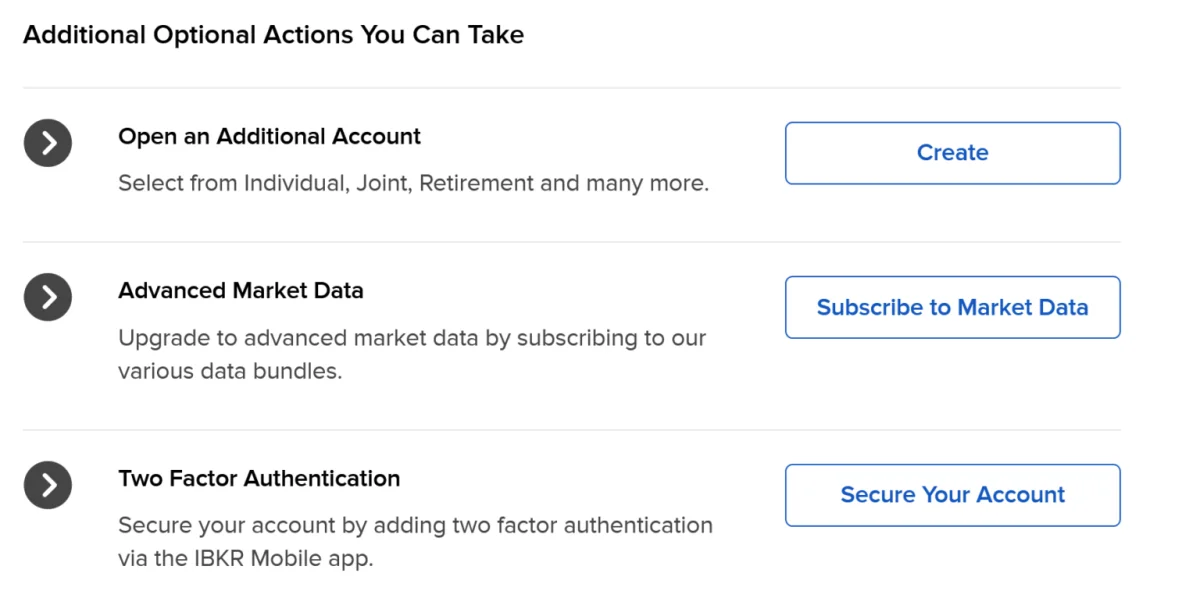
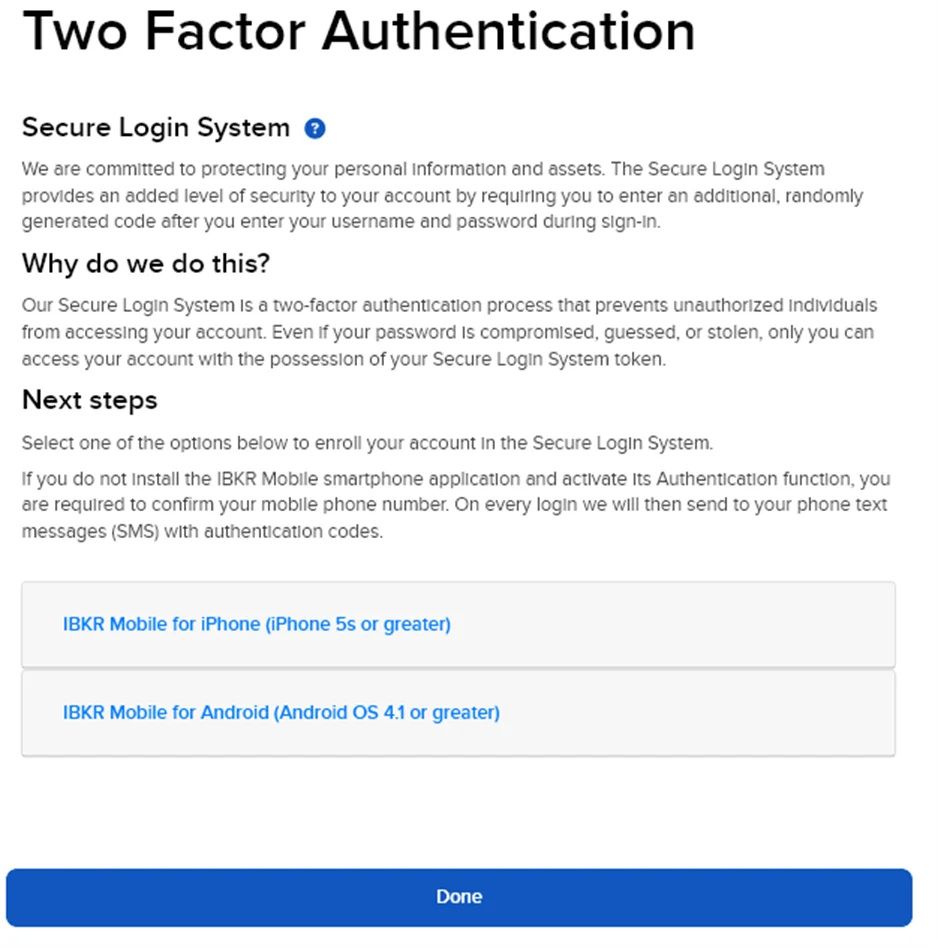
Once you can access the account, set up two-factor authentication. IBKR may offer SMS temporarily, with lower withdrawal limits, until the mobile app is configured. Install the IBKR mobile app and follow the steps to activate its digital key, which uses app notifications for the second sign-in factor.
When using market data, respond to the question about whether you are a non-professional subscriber. The guide warns that leaving this incomplete can result in being treated as a professional subscriber, whose data fees are considerably higher. You generally do not need extra accounts or advanced market data simply to finish opening a basic account.
Make a deposit and check the pricing plan
The guide states that IBKR Pro has no account minimum and no inactivity fee. To deposit by bank transfer, sign in to the Client Portal and go to Transfer & Pay > Transfer Funds > Deposit Funds. Choose the currency and transfer method, then select Get Transfer Instructions. This step creates a deposit notification and displays the bank details and reference to use.
Send funds from a bank account in your own name. IBKR generally rejects deposits from third parties. A spouse’s or partner’s account may be accepted, potentially with extra documents, but check the requirements first. For later deposits, use Make a Deposit and follow the instructions shown for that transfer.
IBKR Pro offers Fixed and Tiered commission plans. Which costs less depends on the exchange and the size of your trades. The guide refers to comparisons for Xetra, Euronext, the London Stock Exchange, SIX and US exchanges. Choose based on the markets and trade sizes you expect to use, and compare the applicable charges rather than assuming one plan is always cheaper.
You can change the pricing plan under Settings > Account Configuration > IBKR Pricing Plan; the change is processed by the following Friday at the latest. IBKR Lite is available only to US residents. If you expect to transfer shares from another broker, the guide says you can generally move them without selling: use Transfer & Pay > Transfer Positions, select an incoming transfer and the “Free of Payment Transfer of Global Securities” method, then provide your current broker’s details and list the positions. This notifies IBKR; you must also instruct your current broker to send the shares. Check any transfer-out fee charged by that broker.
Before placing your first trade, confirm that the account details, permissions, base currency and security settings reflect what you intended. The application is only the first stage: keeping records, checking fees and understanding settlement timing can help make everyday account use more predictable.